
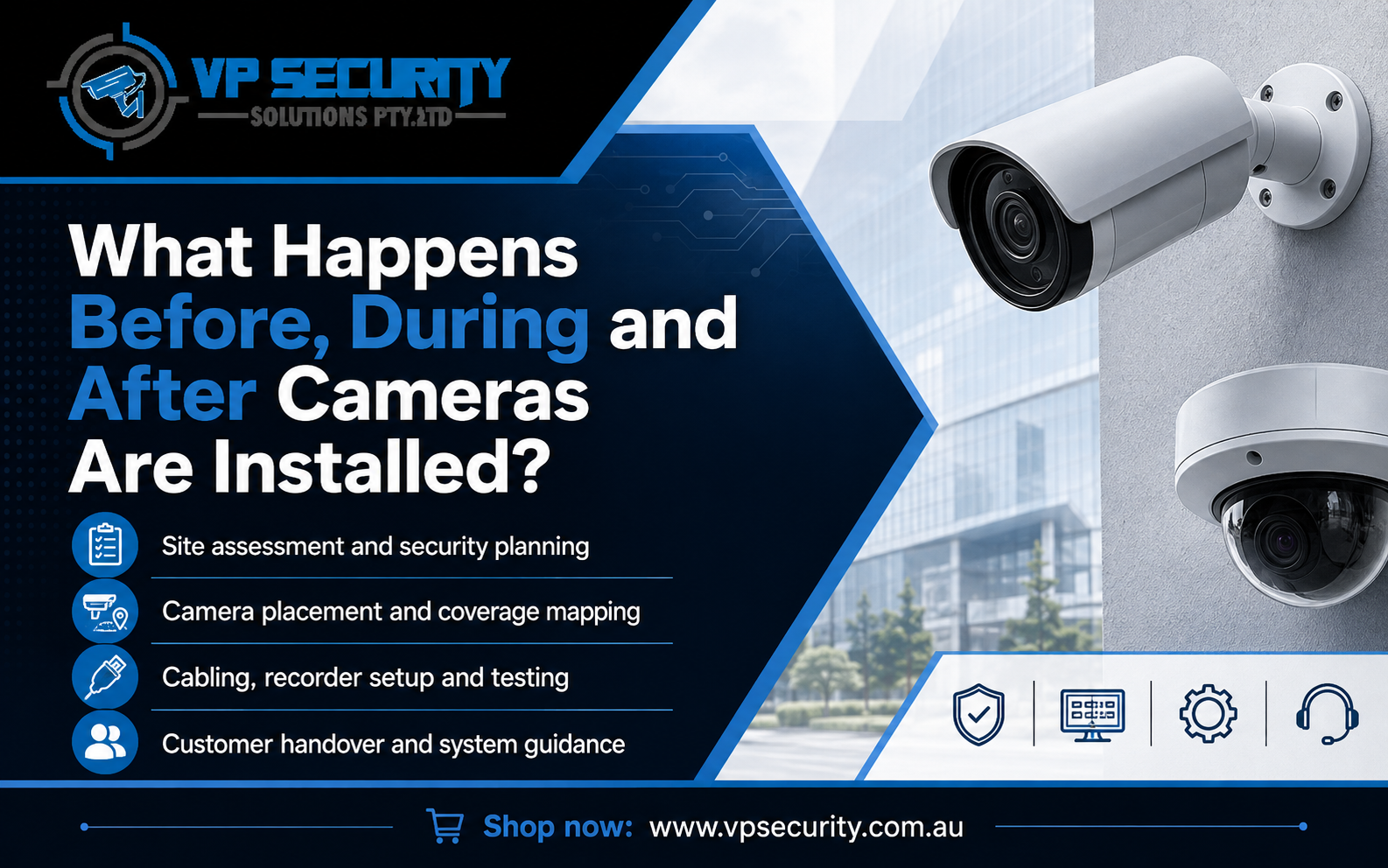
Installing CCTV is not simply a matter of fixing cameras to a wall and switching them on. A well-planned system should be designed around the property, the areas that need monitoring, available cabling routes, recording requirements and how the owner wants to access footage.
For homeowners and businesses considering security camera installation perth, understanding the full process makes the project easier to plan. From the first site assessment to final testing and ongoing support, each stage helps create useful coverage instead of simply adding more cameras.
Before Installation: Understanding the Property and Security Priorities
The first stage is planning. Every property is different, so camera numbers and positions should be based on actual monitoring needs rather than a standard layout.
A homeowner may want to monitor the front door, driveway, side access and backyard. A business may need coverage of entrances, customer areas, storage spaces, loading zones, car parks or building perimeters.
Site Assessment and Camera Position Planning
A site assessment helps determine where cameras can provide useful visibility while reducing unnecessary blind spots. The installer can also review mounting surfaces, lighting, camera height and possible obstructions.
Typical areas considered include:
- Main entrances and exits
- Driveways and vehicle access points
- Side gates and pathways
- Reception or customer-facing areas
- Storage and stock areas
- Loading or delivery zones
- Car parks
- Rear access points
- External boundaries
Camera placement matters because a camera is only useful when its field of view captures the area that actually needs monitoring.
Checking Cabling and Recorder Location
Professional CCTV systems also require planning for power, network connections and data cabling. Before work begins, the installer can identify suitable cable routes and choose a practical recorder location.
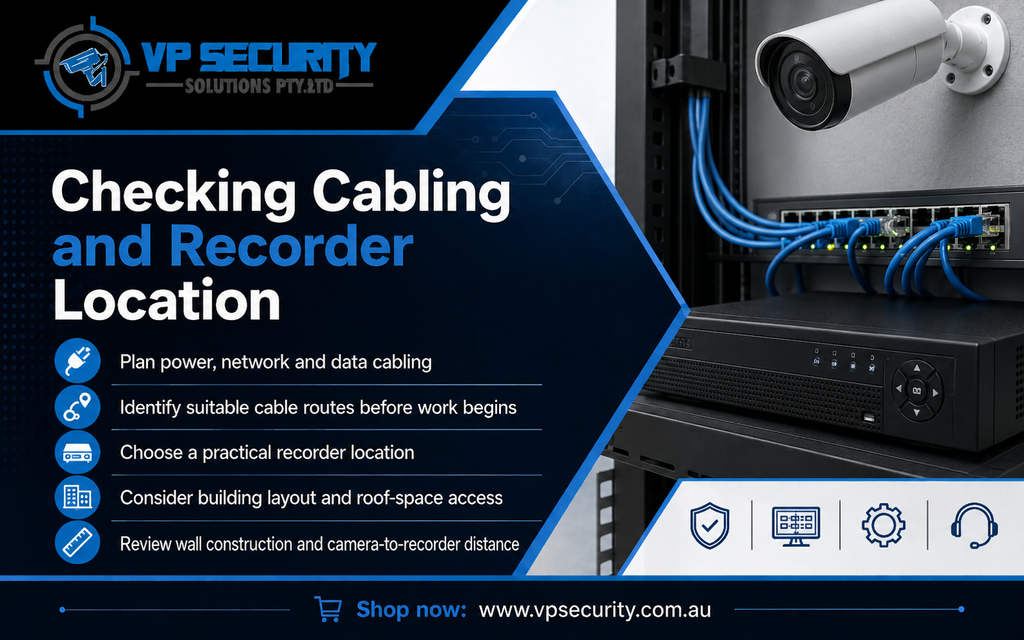
Cable routes may depend on the building layout, roof-space access, wall construction and the distance between cameras and the recorder.
Selecting Cameras, Storage and Features
The next step is choosing equipment suited to the property. Camera resolution, night performance, detection features and weather resistance can all influence system design.
Storage needs can vary depending on:
- Number of cameras
- Video resolution
- Recording frame rate
- Continuous or event-based recording
- Compression settings
- Hard-drive capacity
- Required footage retention period
The aim is to match the system to practical needs rather than selecting equipment only by headline specifications.
During Installation: Mounting, Cabling and System Setup
Once the plan is confirmed, installation begins. This stage brings together physical camera placement, cabling, recorder setup and network configuration.
Cameras Are Mounted in Planned Locations
Cameras are installed at the agreed positions and angles. The viewing direction should be checked before the mount is finalised because even a small change in angle can affect the usable field of view.
The objective is not always to capture the widest possible area. An entrance camera, for example, may need a more focused view than a camera monitoring a broad backyard or warehouse section.
Cabling Is Connected to the Recording Equipment
The cameras are connected to the recorder or network infrastructure. Good cable management supports reliability and creates a neater finished installation.
For property owners comparing cctv perth options, this is one reason professional installation can be valuable. The quality of the finished system depends not only on the cameras but also on how the cabling, recorder, storage and network settings work together.
Recorder and Network Settings Are Configured
After the physical installation, the recording system is configured. This can include camera naming, recording schedules, time settings, video quality, storage options and smart detection settings where supported.
Remote viewing may also be set up so authorised users can access live or recorded footage from compatible phones or tablets. Users should also receive clear guidance on how access works.
Testing the CCTV System Before Handover
Installation is not complete until the system has been tested. Each camera should be checked to confirm that it provides the intended view and that recording and playback are working correctly.
The installer may also check:
- Whether all cameras are online
- Whether footage is being recorded correctly
- Camera time and date settings
- Playback and search functions
- Motion or intelligent detection zones
- Remote viewing
- Mobile notifications where configured
- Available storage
Testing can identify small issues before the system is handed over.
After Installation: Learning How to Use the System
A CCTV system is more useful when the owner understands how to operate it. After installation, customers should be shown the basic functions they are likely to use.
Viewing Live Cameras
Users can be shown how to switch between individual feeds and multi-camera layouts. This is especially useful for businesses monitoring several parts of a property.
Finding Recorded Footage
Playback is one of the most important functions to understand. Users should know how to select a camera, choose a date and time, review footage and locate relevant events.
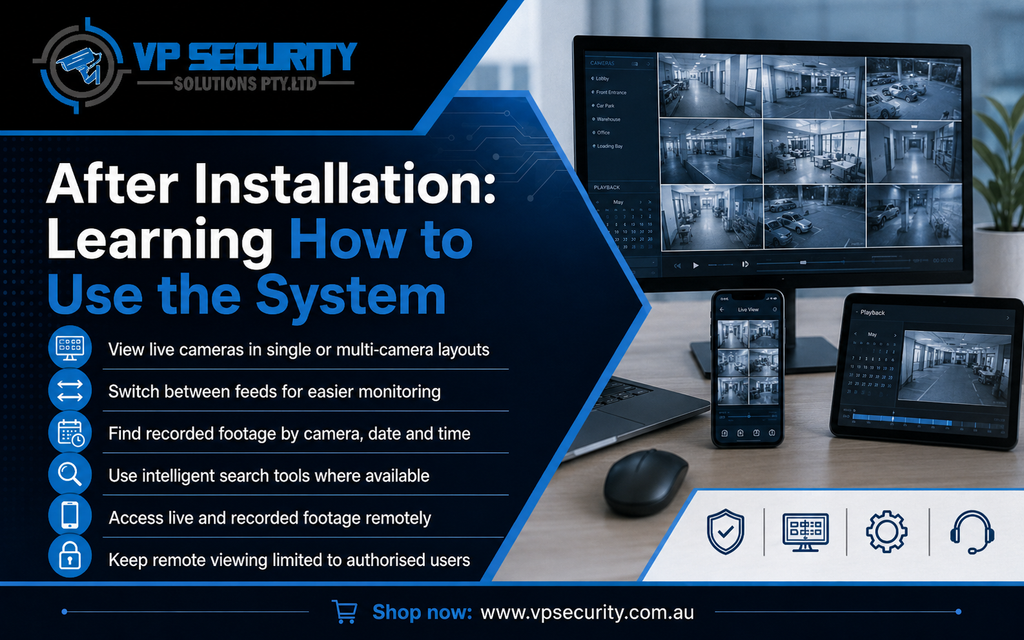
Where supported, intelligent search tools may make reviewing activity faster, but they still need to be configured correctly.
Using Remote Viewing
If mobile access is included, users should understand how to access live cameras and recordings remotely. Access should remain limited to authorised users, and login details should be managed carefully.
What Should You Check After the Installer Leaves?
During the first few days, observe how the system performs in real conditions. Vehicle headlights, shadows, trees, reflections or nighttime lighting can sometimes affect a camera view differently from what was expected.
Check whether:
- Important areas remain clearly visible
- Night footage is suitable
- Notifications are useful rather than excessive
- Recorded footage is easy to find
- Remote access works consistently
- Camera angles still cover the intended areas
If adjustments are needed, early fine-tuning can help improve everyday use.
Why Choose VP Security Solutions?
VP Security Solutions provides CCTV and security camera services for homes and businesses across Perth. Its process includes understanding customer requirements, providing a detailed quote, carrying out a site audit, completing installation and offering after-sales support. VP Security also provides professional configuration, remote viewing options and user guidance for installed systems.
The company supports a range of residential and commercial environments, including homes, warehouses, logistics facilities, educational properties, real estate applications, construction sites and businesses. Rather than using one standard layout for every property, the system can be planned around camera coverage, cabling requirements and the way the site is used.
Planning a CCTV Installation in Perth?
A successful CCTV project starts before the first camera is mounted. Good planning determines what needs to be monitored, where cameras should go, how cabling can be routed and how footage will be recorded. Professional installation then brings those elements together through secure mounting, system configuration, testing and user training.
If you are considering cctv installation perth for a home, office, warehouse or commercial property, focus on useful coverage, dependable recording and practical everyday operation rather than camera quantity alone.
Final Thoughts
Understanding what happens before, during and after CCTV installation helps property owners know what to expect. A properly planned system combines suitable equipment, thoughtful camera placement, reliable recording, secure access and clear user guidance.
The best result is not simply a property with cameras installed. It is a surveillance system designed to provide useful visibility and straightforward footage access for the areas that matter most.
